 AI Mode
Key takeawaysStart from a real buying decisionCompare verifiable capabilities and fitDate-check prices and changing featuresDo not publish near-duplicate competitor pages
Start with a real decision
Use questions from sales calls, support tickets and search data. Pick one decision your product can explain with current facts. Do not create a page for every competitor-keyword combination if each page would say the same thing.
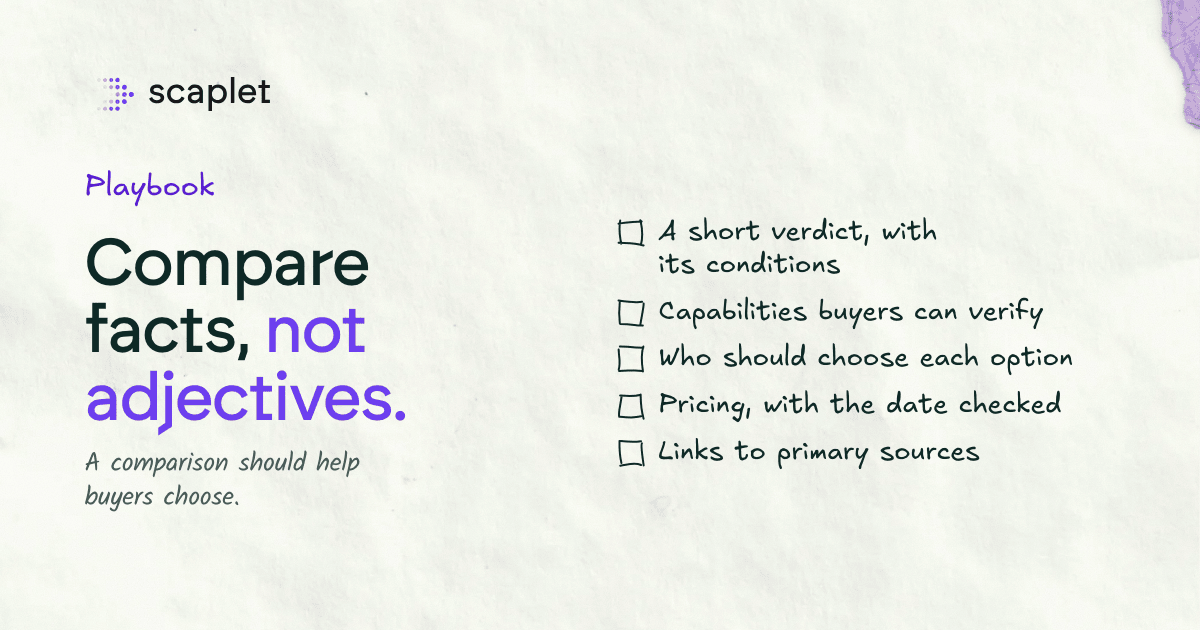
Compare facts, not adjectives
Separate verified product facts from your recommendation. Link to each vendor’s current docs or pricing, date-check details that change, and say which team or use case fits each option.
The structure that works
- A short verdict with the conditions behind it.
- A table of capabilities users can verify.
- Who should choose each option, and why.
- Current pricing with the billing terms and date checked.
- Links to primary sources for changing product claims.
Keep the page useful after launch
Assign someone to recheck prices, feature names and documentation links. If you cannot keep a comparison accurate, narrow its scope or remove it. Google’s people-first guidance asks whether content adds original value and leaves readers able to achieve their goal.
Written by Scaplet Editorial TeamEditorial team at Scaplet