Prepare a tax return
- Page
- Tax preparation page
- Details that help someone choose
- Return types, client eligibility, documents needed, how fees are set, deadlines the firm can support, and who signs the return
SEO for accounting firms: clarify tax, bookkeeping, and advisory services, verify credentials, protect client data, and track retained work.
Accounting-firm SEO should explain the clients and services the firm supports, staff credentials, and how an engagement begins. Separate tax preparation, bookkeeping, payroll, and advisory when their buyers and delivery differ. Keep tax explanations current, protect client data, and measure qualified consultations and retained work, not traffic alone.
Four quick questions, then a straight answer.
From your answers, this is quietly costing you traffic and nobody has the hours to chase it. Scaplet finds every affected page, drafts the fixes and tracks how AI answers mention you.
A data platform shipped 46 fixes without a ticket.
This looks handled. Re-check after a redesign, a migration or a big content push; that is when it breaks.
Your site is small and you have the time. Work through the steps on this page, starting with the pages that get the most traffic.
 AI Mode
Use the intake team's real questions as page research. If a small business owner repeatedly misunderstands whether bookkeeping includes tax filing or advisory, make that boundary explicit and link to the correct service. Keep the call to action specific: upload documents through a secure portal only after the firm has established the right route.
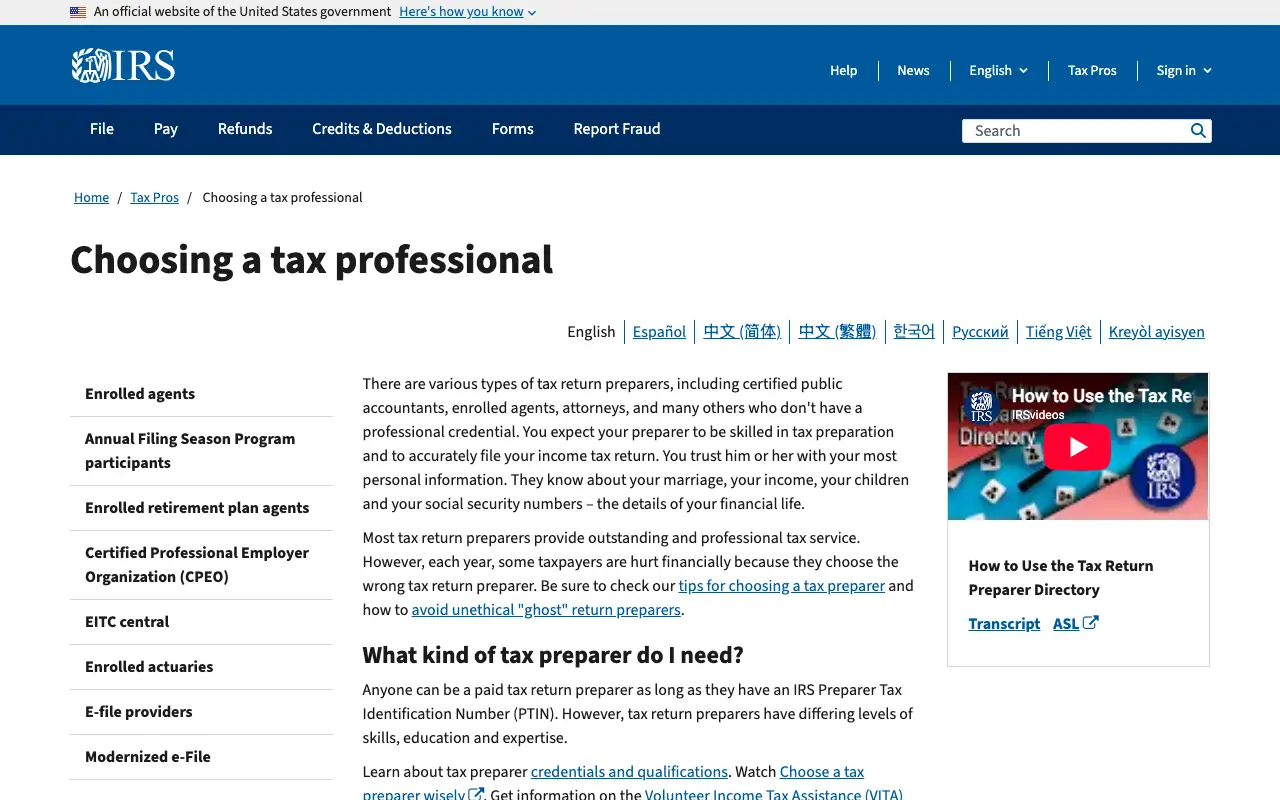
 The IRS page prospective clients use to compare preparers
Use the IRS's guide to choosing a tax professional and its page on tax preparer credentials and qualifications. Tax rules change; ask the responsible professional to recheck any time-sensitive page.
The IRS notes that a preparer knows “the details of your financial life,” including your income and Social Security numbers. Use approved systems and access controls for those records; this guide does not replace the firm's privacy, security, or professional obligations.
See Google's Business Profile eligibility, LocalBusiness structured data guide, and our local SEO guide.
Google's Search Console performance report separates impressions and clicks from firm outcomes. Compare stable periods and account for tax-season demand, staffing, and service capacity.
Use Search Console to group landing pages and queries by tax, bookkeeping, payroll, advisory, business type, and location. Record the period and any seasonal campaigns.
Track the service requested, client fit, consultation booked, proposal sent, and engagement accepted. Keep sensitive details out of marketing reports.
Review return completion, monthly close delivery, contract renewal, and referral outcomes by engagement type where the CRM supports consistent attribution.
Use repeated intake questions, unqualified inquiries, missed deadlines, and service capacity to find gaps. Don't call a traffic increase a business result without downstream evidence.
irs.gov google.com
4 questions people ask next, answered from the sources on this page.
Explain the client type, service scope, systems or return types handled, engagement process, team qualifications, and a clear inquiry route. Give each service a separate page when the work and buyer questions differ.
No. The IRS says anyone with a PTIN is authorized to prepare federal returns, but only enrolled agents, CPAs, and attorneys have unlimited representation rights. Annual Filing Season Program participants have limited representation rights, so describe a Record of Completion as exactly that.
Use a short public inquiry form and route financial records to the firm's approved secure portal. Avoid collecting sensitive tax or payroll files in a general marketing form.
Connect landing pages to qualified inquiries, consultations, proposals, accepted engagements, completed returns, and renewals. Keep search visibility separate from client and revenue outcomes.
Run the free audit, then approve the fixes. Every change can be undone.
